AC Shadows is a game that can get under your skin on higher difficulty levels.
From this page of the guide you will learn how to adjust the difficulty level to your own preferences.
guides
Last update:21 March 2025
TheAssassin’s Creed Shadowsdevs have introduceda wide range of difficulty level customization options.
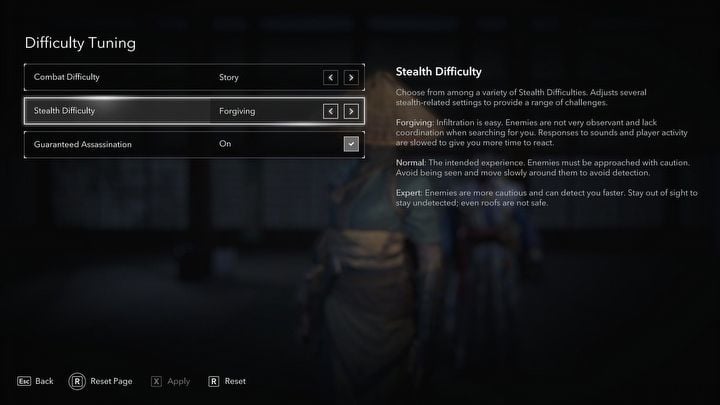
The game allows you to manually determine the difficulty level in terms ofcombatandstealth.
How to change the difficulty level?
You will be asked to set the default difficulty levelwhen you start a new save inAC Shadows.
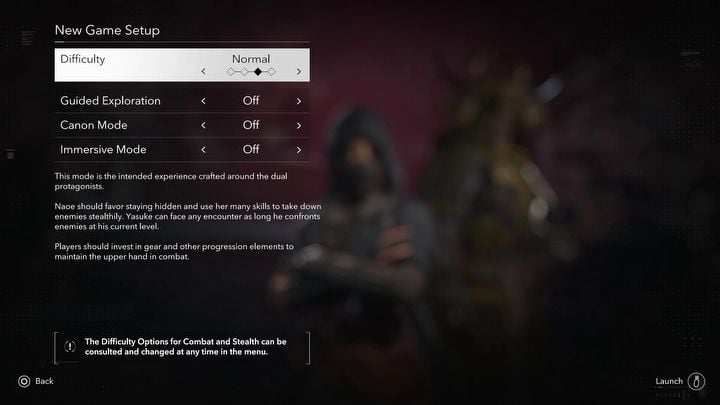
However, you are allowed tochange it in the configs later on as well.
What does the difficulty level affect?
By entering theDifficulty Tuningoption in theGameplaytab, you could adjust several parameters.
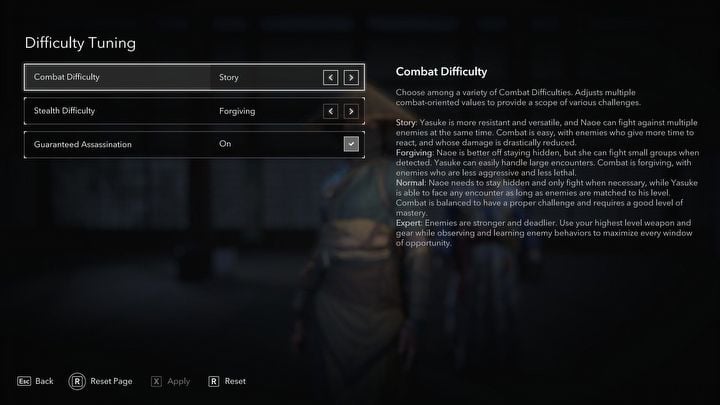
The first of these is theCombat Difficulty, which determines how challenging it will be to fight enemies.
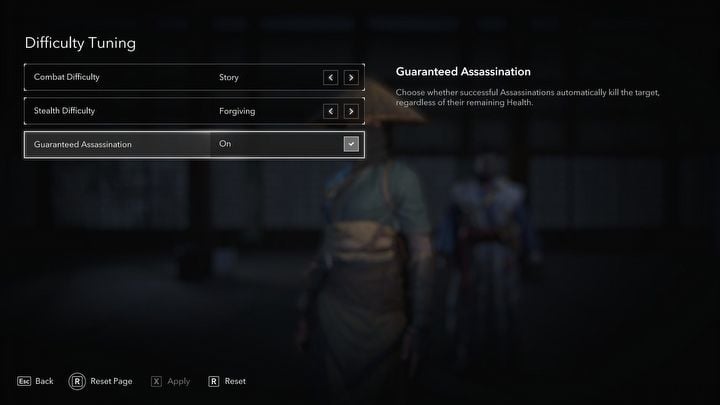
The last setting allows you to enable or disableGuaranteed Assassinations.
Activating this feature causes the target attacked by surprise to always die,regardless of their health condition.
What is guided exploration mode?
Guided Explorationis another setting that affects the difficulty ofAssassin’s Creed Shadows.
Turning it off means that theobjectives of the currently selected quest do not immediately appear on the map.
This forces the player to usehints in determining the correct locationand to use mechanics such asscouts.
Turning the guided mode on causes aquest objective marker to immediately appear on your map.
This allows you to skip the process of searching for the correct location.

Searching and gradually discovering the location of the quest target is the default gameplay style suggested by the devs.
Activating Guided Exploration will lock you out of obtaining some achievements.
This site is not associated with and/or endorsed by the Ubisoft or Ubisoft Quebec.
All logos and images are copyrighted by their respective owners.